Project Overview
A personal enterprise lab demonstrating practical IT Support across on-premises Windows administration and modern Microsoft cloud support.
Windows Server & Active Directory
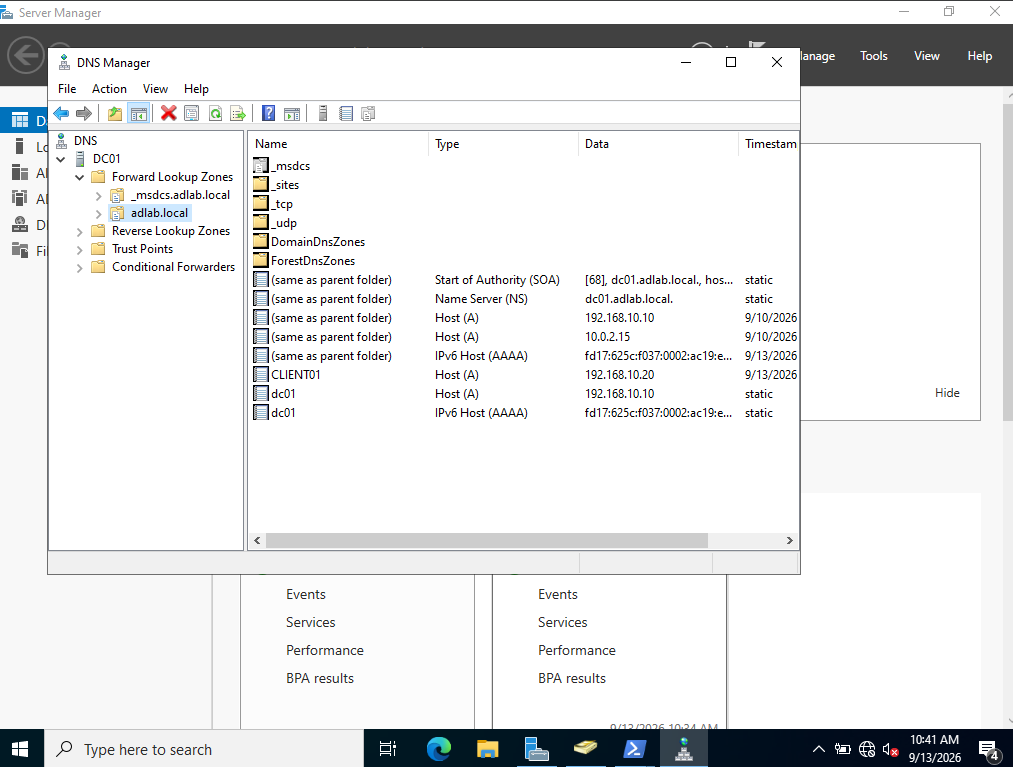
- AD DS, DNS and DHCP
- Windows 11 domain join
- OUs, users and groups
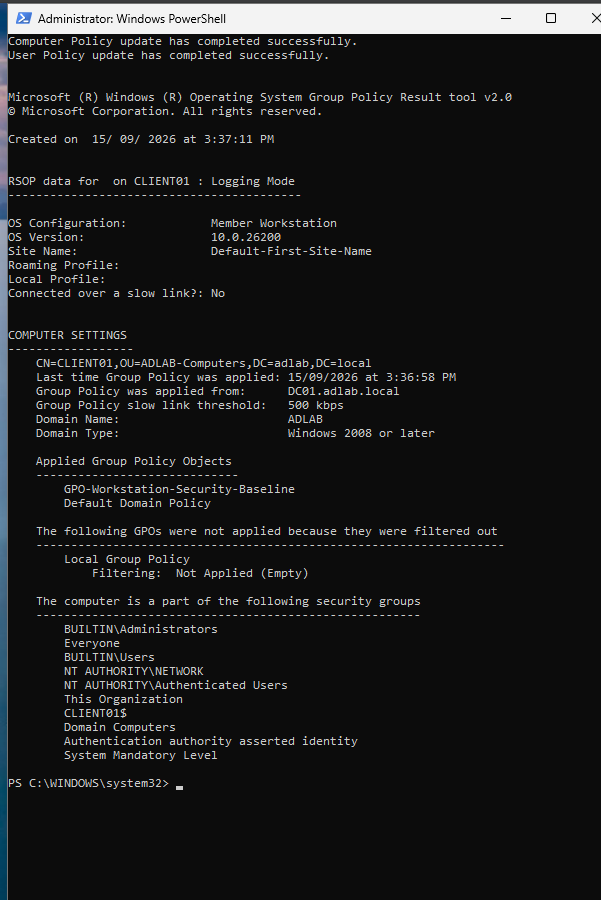
- Group Policy and endpoint security
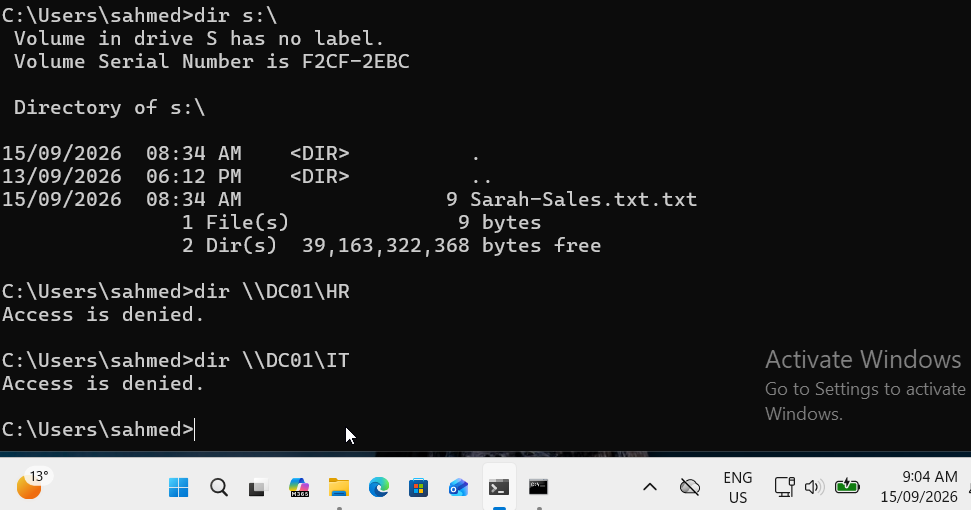
- NTFS/SMB permissions and RBAC
- Authentication and Event Viewer troubleshooting
- PowerShell helpdesk automation
Microsoft 365, Entra ID & Intune
- User, group and licence administration
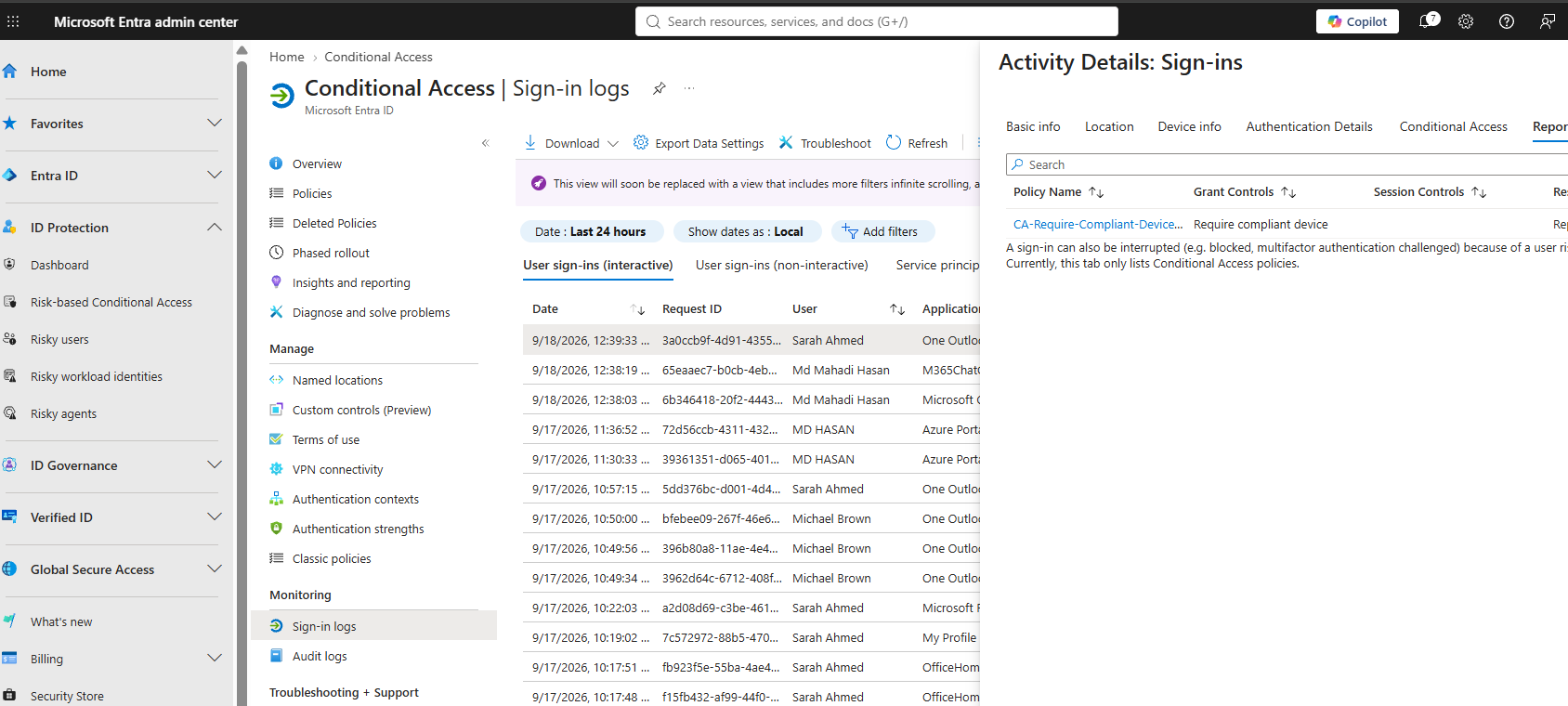
- Password reset and sign-in logs
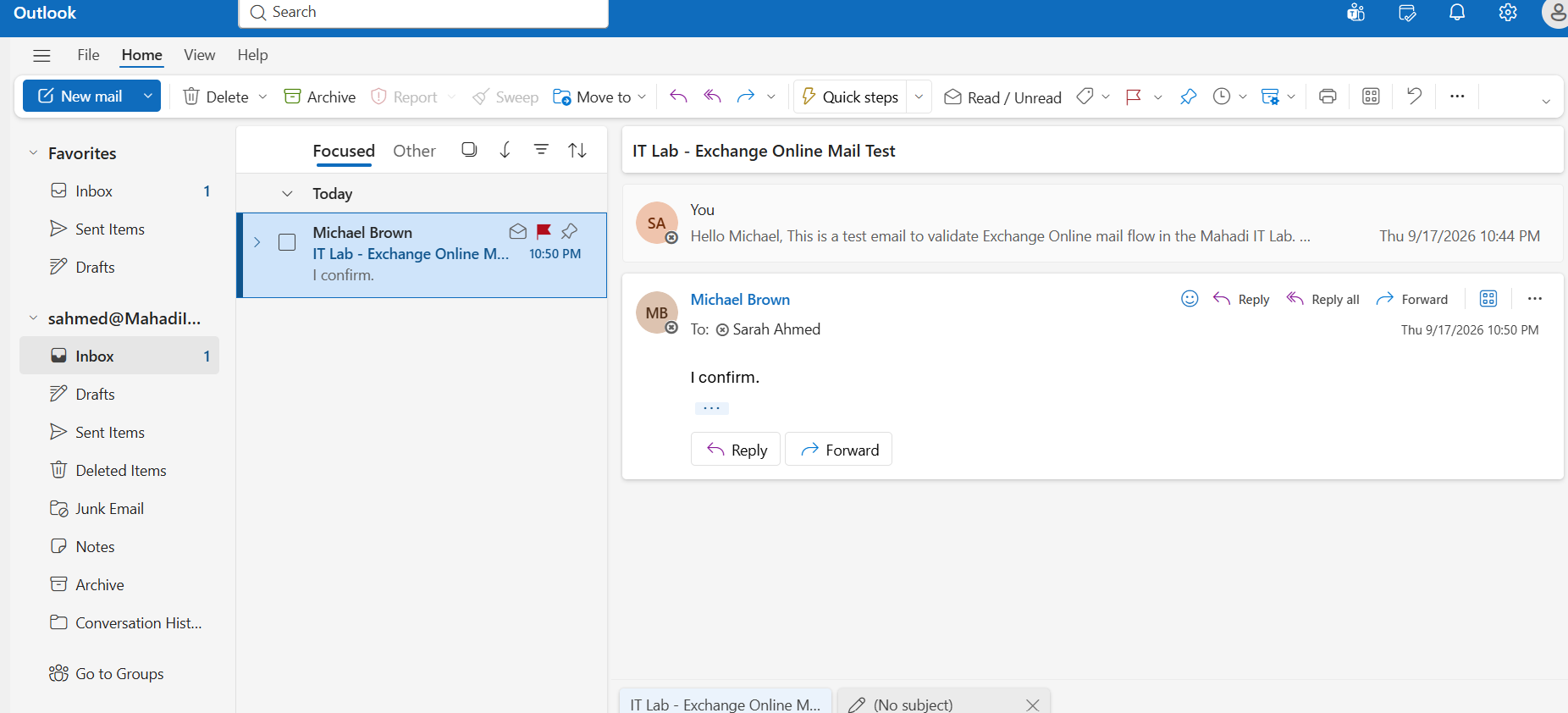
- Exchange Online mail flow
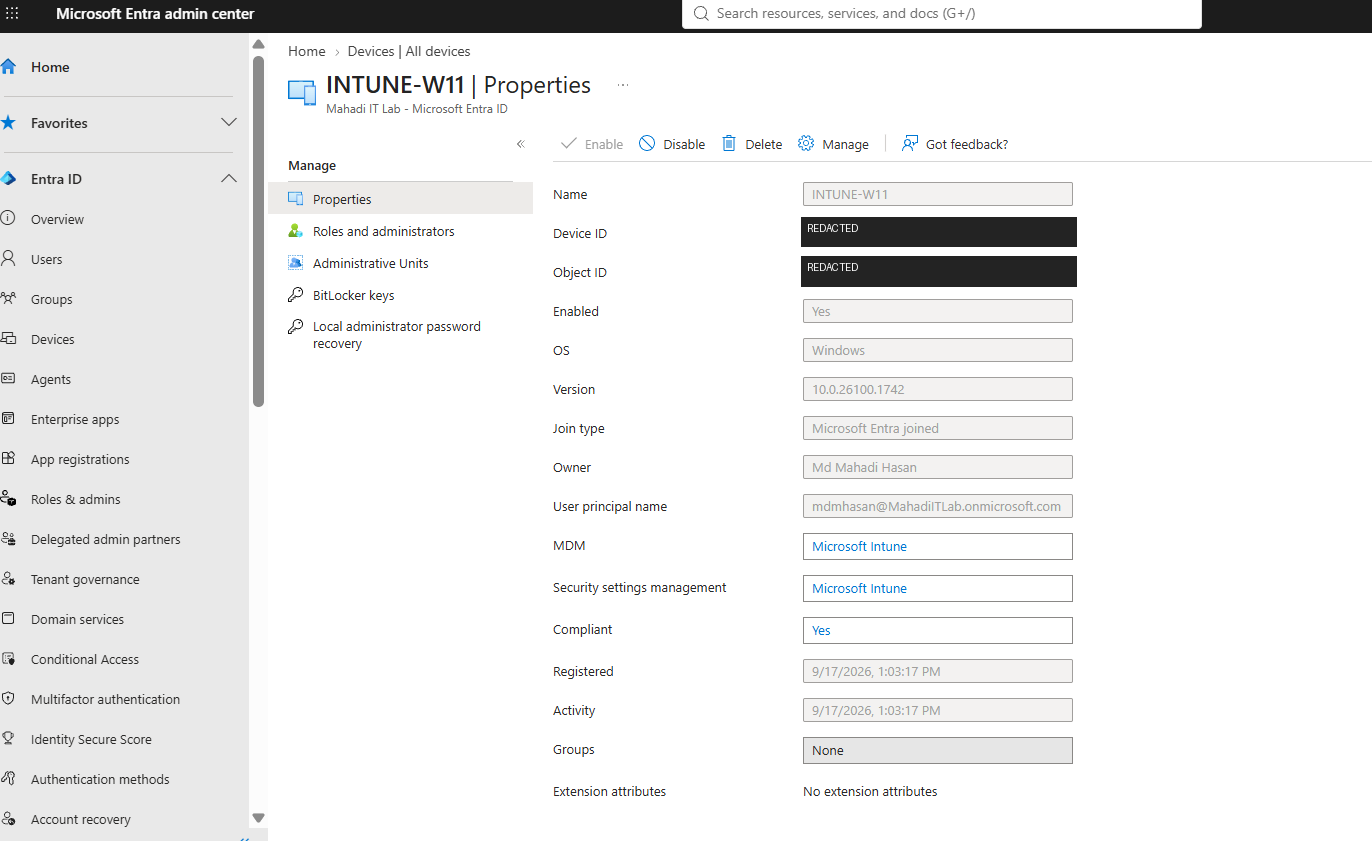
- Entra joined Windows 11 endpoint
- Intune enrollment and compliance
- Company Portal deployment
- Conditional Access Report-only validation
Service Desk Case Portfolio
Eight simulated tickets reconstructed from support and troubleshooting completed in this lab. Each case documents the issue, investigation, resolution, validation and screenshot evidence.
Identity & Authentication
AD account lockout, Microsoft 365 password reset and Event ID 4625 investigation.
Networking & Access
Active Directory DNS resolution and department-share RBAC validation.
Microsoft 365
Service-plan troubleshooting and Exchange Online two-way mail-flow validation.
Endpoint Management
Intune firewall compliance investigation, sync and successful re-evaluation.
These are personal-lab simulations, not employer or customer production records.
Microsoft 365 / Entra ID / Intune
Modern workplace administration covering identity, endpoint management, security and Microsoft 365 Service Desk workflows.
Complete Cloud RunbookMicrosoft 365, Entra ID, Intune, Exchange Online, compliance, application deployment and Conditional Access.
Windows Server & Active Directory
Complete on-premises lab from VM deployment through AD DS, networking, Group Policy, RBAC, troubleshooting, PowerShell and final validation.
DC01 · Windows Server 2022 · CLIENT01 · Windows 11 Pro · adlab.local · 192.168.10.0/24Step-by-step build, commands, observed results and screenshot evidence.